Apache Velocity Templates in Jetbrains
Velocity is a java based templating language. Used for Java MVC views.
It should also be usable for non-devs.
BUT: You can also write file Templates in JetBrains IDEs.
Variables
<html>
  <body>
  #set( $foo = "Velocity" )
  Hello $foo World!

  ## Alternatively:
  Hello ${foo} World!
  </body>
</html>
If / Else
#if( $foo < 10 )
    Output 1
#elseif( $foo == 10 )
    Output 2
#else
    Output
#end
Loops
There is only the foreach loop
<ul>
#foreach( $product in $allProducts )
    <li>$product</li>
#end
</ul>
But you can use ranges to emulate a regular for.
#foreach($i in [1..$ITERATIONS])
  Item Number $i: This is a repeated block.
#end
File Templates
In JetBrains IDEs you can create file templates using Velocity.
To get an Input, just reverence an undeclared variable. Underscores get turned into spaces:
Hello $Your_Name
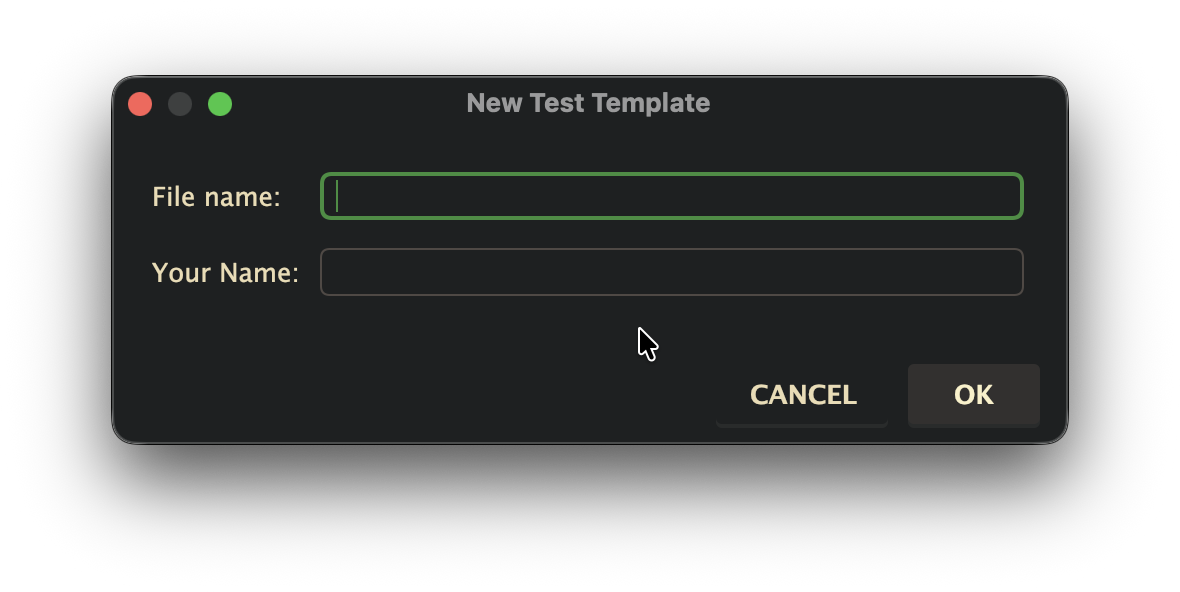
Sadly, it's not possible to get other inputs than text.
You can also use all the possibilities that Live Templates bring (like cursor positioning, tabbing through, enums, ...).
Example: Stimulus Controller
File name:
${Controller_Name.toLowerCase().replace(" ", "_")}_controller
import { Controller } from "@hotwired/stimulus"

#set( $className = $Controller_Name.replace(" ", "") + "Controller" )
export default class $className extends Controller {
  #[[$END$]]#
}
Result
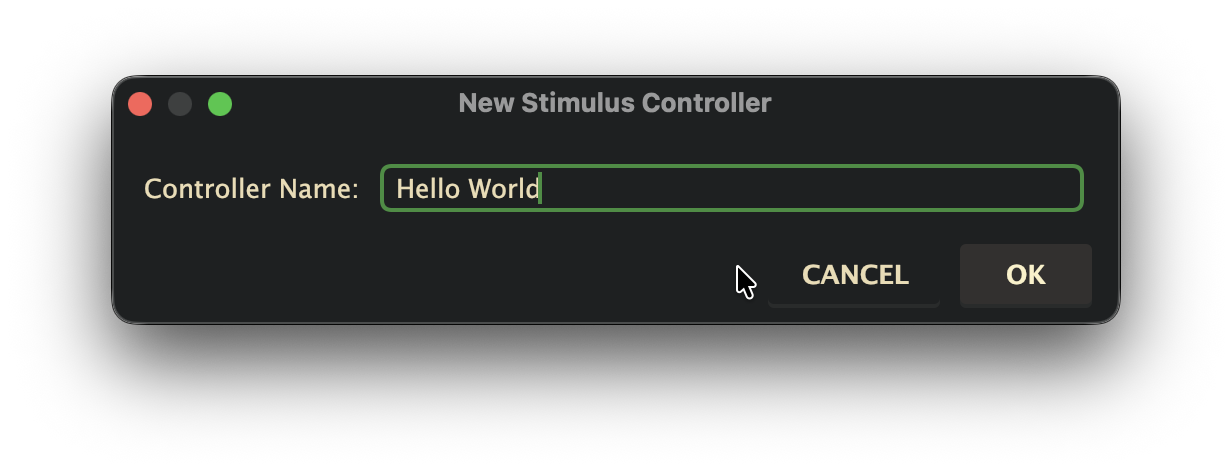
// hello_world_controller.js
import { Controller } from "@hotwired/stimulus"

export default class HelloWorldController extends Controller {
  |
}